
Security Cameras on a Network Built for Them
IP camera systems on certification-tested cabling, PoE switches and a separate camera network, with fiber to far corners and other buildings. For businesses across the Mid-Atlantic.
- Licensed and insured
- In-house fusion splicing
- Loss testing on every fiber strand
- Certification-tested copper cabling
- Serving MD, VA, DC, DE, PA and NJ
What We Install
We plan the network first, then put the cameras on it — entrances, sales floors, checkout, back rooms and parking lots.
- Certification-tested Cat6 to every camera, labeled at both ends
- PoE switches sized for the cameras they power
- NVR recording sized to how long you keep footage
- A separate camera network, apart from registers and guest WiFi
- Fiber to far corners and other buildings, spliced in-house with every strand loss-tested
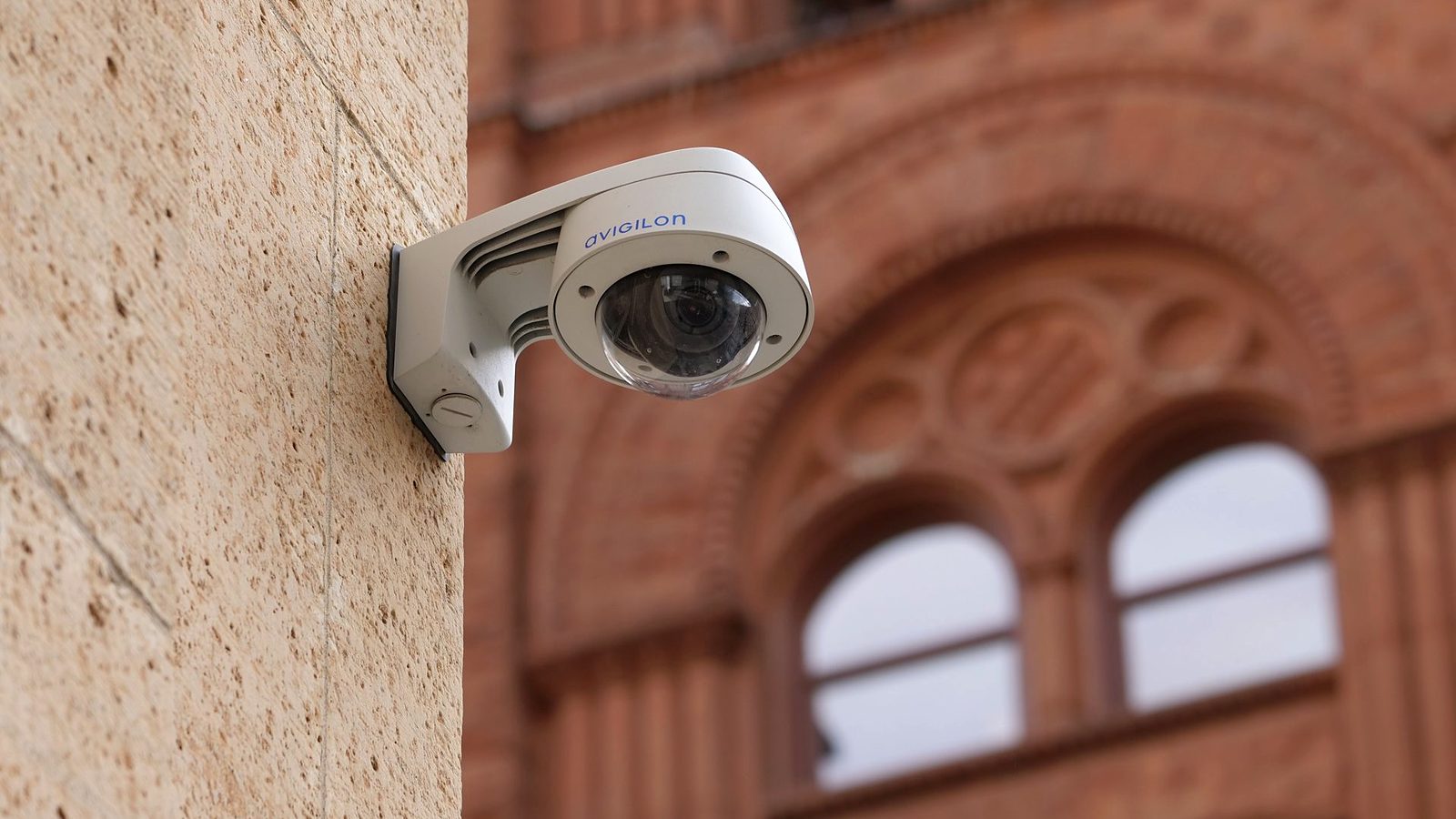
- Indoor and outdoor IP cameras, including checkout views
- Additions and replacements on existing systems
How a Camera Project Runs
- Site walk. Coverage needs, existing system, and the network cameras will use.
- Camera and network layout. Plan for each camera’s location, view, and cable path back to a switch.
- Install. Run and test cable, set up switches and camera network, mount and connect cameras.
- Aim and test. Adjust every view and confirm recording.
- Handoff. Walk through with your team; we handle service after.
Who It's For
Grocery and retail, restaurants, offices, warehouses and commercial properties — including multi-site work for national grocery and retail chains, and jobs where cameras ride with a larger network or cabling project.
Built on a Solid Network
An IP camera is a network device. Each one needs a certification-tested Cat6 PoE drop within 100 meters (see our structured cabling), a switch with enough PoE budget and uplink capacity (PoE vs non-PoE switches), and its own network so video doesn't slow checkouts (business networking and WiFi).
Far corners, light poles and detached buildings get fiber to a small switch near the cameras, spliced and loss-tested in-house. Running fiber between buildings. We also service systems we didn't install: service and maintenance, and how to maintain security cameras.
Planning new cameras or adding to an old system? Tell us about the site and we will follow up with a layout and quote.
Plate and Face Recognition Options
Where a client wants license plate or face recognition and the law allows it, we can set those up on a new system or add them to an existing one. Placement, angle and lighting matter, so we plan each position and test on site.
Security Camera Guides
- Office Security Camera Installation That Works
Planning office camera coverage around real risks, with a network that can carry the video.
- Warehouse Camera Deployment: A Practical Plan
Laying out warehouse cameras around workflows, coverage, network capacity and retention.
- Parking Lot Surveillance System Installation
Camera placement, lighting and coverage for parking lots and the vehicles in them.
- Surveillance Cameras With Facial Recognition
Where facial recognition cameras fit, and what to sort out before installing them.
- NVR vs DVR Security Systems for Your Property
How NVR and DVR recorders differ, and which suits your cameras and property.
- Security Camera Retention Guide for Smarter Storage
How long to keep footage, and how to size storage without overspending.
- Wired vs Wireless Surveillance for Your Property
Where wired cameras win, where wireless works, and the trade-offs.
- Can Cameras Identify Vehicles? What They Can See
What cameras can and can't capture on vehicles and plates.
- Why Do Cameras Miss Motion? Causes and Fixes
Placement, lighting, network and recording problems that leave events unrecorded.
- Are Facial Recognition Cameras Legal in the US?
The rules and privacy steps to check before turning on face recognition.